






Place → lots → homeownersWalkthrough
- Add the place. Places › Add place, shape Flat. Tick Association if dues are collected by an HOA rather than rent by an owner — it changes the words across the workspace.
- Grouping. Street, block or phase. This is how lots are grouped on every list and on the guard's phone. Pick what residents say: "Lot 14, Mabini" is a street subdivision; "Block 3 Lot 14" is a block one. You can store all three per lot; one is the grouping.
- Paste the master list. Lots › Paste a list. Any columns in any order: lot number, block, street, phase, area, homeowner name, mobile, email, current dues. The importer recognises the headers, shows what it will create, and asks about anything unclear.
- Preview and import. Lots are created; homeowner columns create the homeowner record and the dues schedule with the amount and start month you set. Lots without a homeowner are flagged, not guessed.
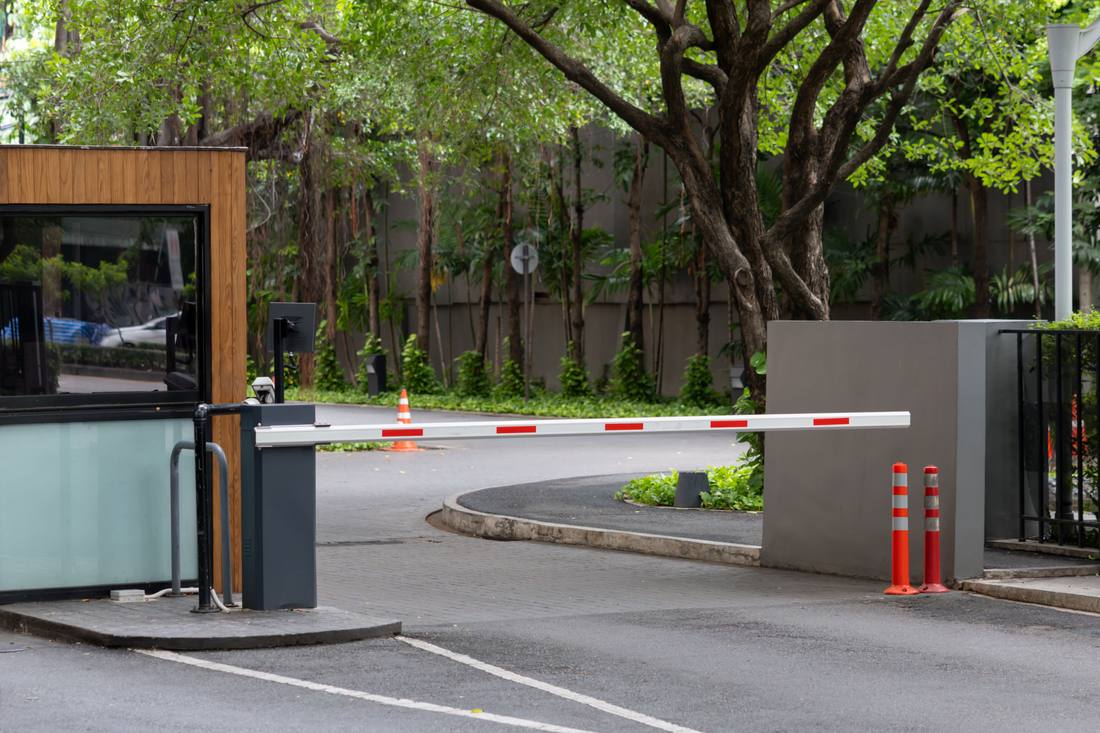
- Common areas and the gate. Add the clubhouse, park, guard house as common areas (expenses and cleaning, no invoices). Set up the guard post with a kiosk PIN — the logbook.
Phases added later
A phase 2 turned over next year is another paste into the same place with the phase column set. Dues can differ per phase; the schedule per lot carries its own amount.
Lots with tenants
The homeowner is the client who owes dues. If they rent the house out, their tenant can be given a gate-only portal login from the homeowner's page, so guests and deliveries work without the tenant seeing the homeowner's statement.
Developer-owned lots. Unsold lots usually owe dues to the association too, at least in part. Create the developer as one homeowner holding many lots; a single statement lists them all.
Was this useful?
Thank you — that is what it was written for.
Describes the platform as it is today. Something out of date? Tell us. · help 0.71.0