






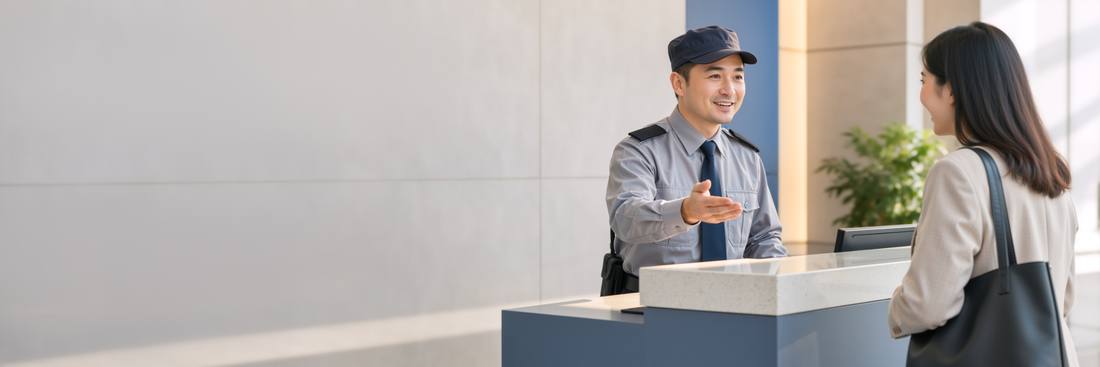
The guard's phoneWalkthrough
- The post phone. Any phone or tablet with the workspace address saved to its home screen. Sign in with a kiosk PIN — a six-digit code tied to the post, not to a person; the guard on shift enters their own short PIN on top so entries carry a name. No email, no password, nothing to forget.
- Tap the kind. Visitor, delivery, contractor, vehicle. A subdivision's post shows vehicle first.
- Unit and who. The unit picker offers recent units first. "Who" is free text with recent names offered; for deliveries the courier company is usually enough; for contractors the ticket they came for is offered if one is open for that unit.
- Log it. Time in is now. The resident's portal updates; WhatsApp goes out if enabled.
- Out. From On site now, one tap. Anything still open at midnight closes itself with a flag, so the list is always today's truth.
What the guard cannot see
Money, clients' details beyond name and unit, staff records, settings. The kiosk session reaches the Gate pages and nothing else; typing another URL shows the kiosk sign-in. A stolen post phone is a stolen visitor log, not a stolen business.
Searching
By unit, by name, by plate, by day, for the retention period you set. Managers search from the Gate page; the guard can search from the post, which matters when a resident comes down asking about yesterday's parcel.
Paper still at the gate? Keep it for a month alongside. Most buildings find the phone log is fuller by week two because entries take less time, and drop the notebook on their own.
Was this useful?
Thank you — that is what it was written for.
Describes the platform as it is today. Something out of date? Tell us. · help 0.71.0