






What gets logged
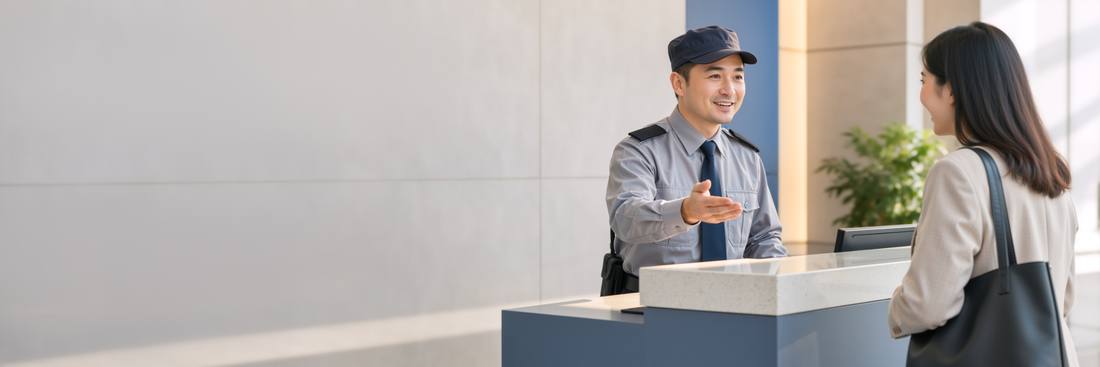
Visitors, deliveries, contractors, and — in a gated subdivision — vehicles. Each entry is who (name or company), for which unit, the kind, a plate number if relevant, an optional photo, the time in, and later the time out. The guard does not type much: the unit picker, the kind buttons and recent names do most of it.
Who sees what
The guard sees today's log and On site now, and can search the last year. Guards use a kiosk PIN on a shared phone, not a personal account, so a shift change is a PIN change. Residents see arrivals for their own unit on the portal — a courier at 14:02, a guest at 19:30 — and can pre-approve an expected guest so the guard already knows. Managers see On site now on My day, the day's count, and the full log.
Pre-approved guests
From the portal: name, date, optionally a plate. The guard's phone shows expected arrivals for the day; logging one is a single tap. Tenants like it because guests are not interrogated; guards like it because the decision was made by someone else.
Turning it on
Settings › Gate: choose whether the place has a gate at all (a scattered condo does not), which kinds you log, whether residents are notified by portal only or also by WhatsApp, and the retention period for the log. Then create a kiosk PIN for the guard post.
Was this useful?
Thank you — that is what it was written for.
Describes the platform as it is today. Something out of date? Tell us. · help 0.71.0